SEO4 min read
Wix Studio Page Speed: How to Pass Core Web Vitals in 2026
Core Web Vitals decide whether your Wix Studio site ranks and converts. Here’s how to optimize page speeds, LCP, INP, and CLS without breaking your design.
By Shayan Ramezani, Wix Studio Certified designer ·

A slow site costs you twice. Google ranks it lower, and visitors bounce before your hero loads. Core Web Vitals are how Google measures both problems in one place, and if your Wix Studio site fails them, no amount of keyword work will save it.
The good news: Wix Studio gives you most of the levers you need. You just have to know which ones to pull.
What Core Web Vitals actually measure
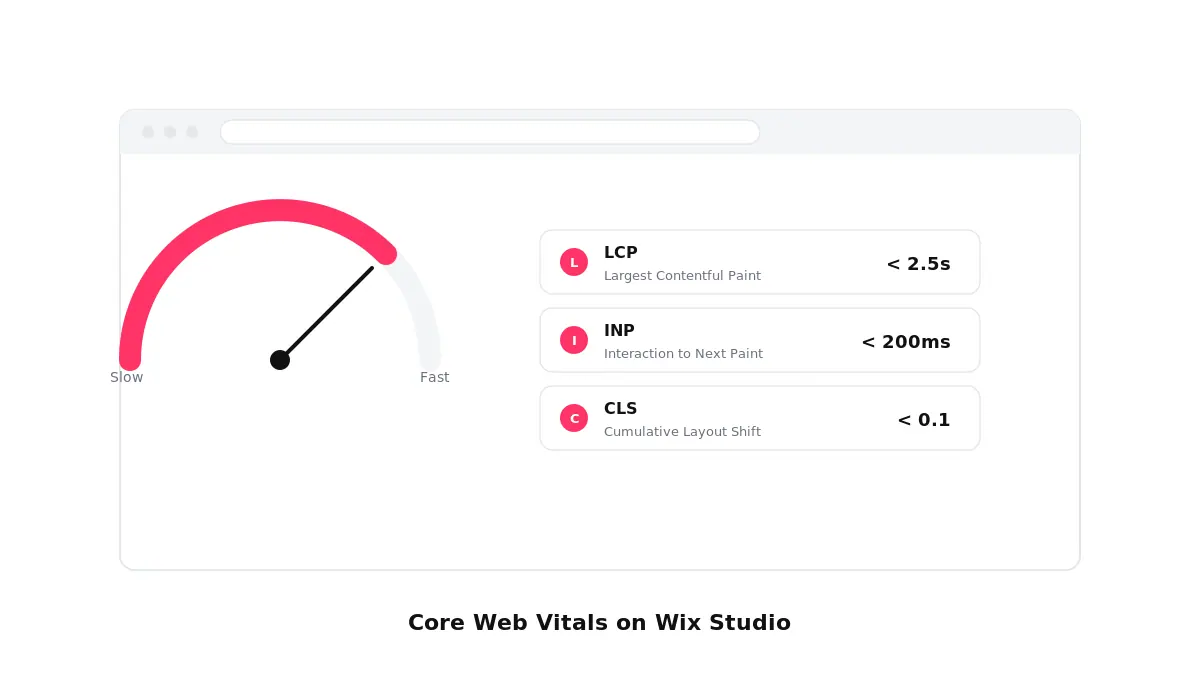
There are three metrics that matter for ranking and for real-world feel:
- LCP (Largest Contentful Paint): how long it takes the biggest visible thing — usually your hero image or headline — to render. Target under 2.5 seconds.
- INP (Interaction to Next Paint): how quickly the page reacts when a user taps, clicks, or types. Target under 200 milliseconds. INP replaced FID in 2024 and is stricter than people expect.
- CLS (Cumulative Layout Shift): how much the page jumps around as it loads. Target under 0.1.
Google measures these from real Chrome users, not from a lab tool. You can check your own scores in Google Search Console under the Core Web Vitals report, or run a one-off test in PageSpeed Insights. The field data is what counts.
Fix LCP: your largest content element
On most Wix Studio sites, the LCP element is the hero image or the first big headline. Three changes usually do the work.
First, compress and right-size the hero. Upload your image at roughly twice the displayed size for retina, then let Wix’s image pipeline serve responsive variants. A 4 MB hero from your camera roll will tank your score even with good infrastructure underneath.
Second, set the hero image as eager-loaded and everything else as lazy. In Wix Studio’s image settings, "Lazy load" is on by default — leave it on for everything below the fold, but turn it off for the LCP element so the browser fetches it immediately.
Third, simplify the hero section. Background videos, layered animations, and embedded fonts that block rendering all push LCP later. If you must use a video hero, host it as a short, looped MP4, mute it, and set the poster image to your LCP candidate.
Tame INP: the new interaction score
INP is the metric most Wix Studio sites quietly fail. It measures the slowest interaction on the page — including the one a visitor does ten seconds in. Heavy third-party scripts are usually the culprit.
Open your site’s installed apps and integrations. Chat widgets, popup tools, multi-tab analytics, and unused Velo code all add JavaScript that the browser has to parse before it can respond to a tap. Remove anything you are not actively using. For the tools you do need, check whether they offer a delayed or "on-interaction" load — many do.
If you use custom code, audit your onClick and onChange handlers. Wrap expensive work in setTimeout or move it off the main thread. A single slow handler can blow your INP score for the whole page.
Eliminate CLS: keep your layout still
Layout shift happens when something loads later than the rest of the page and pushes content around. The usual suspects on Wix Studio:
- Images without fixed dimensions.
- Web fonts that swap in late and re-flow your headings.
- Embedded widgets — Instagram feeds, booking calendars, third-party reviews — that take space after they render.
The fix is reservation. Give every image, embed, and widget an explicit width and height in the section’s layout settings so the browser leaves room for it before it arrives. For fonts, use Wix’s built-in font picker rather than custom imports where you can, and pick a fallback that matches your display font in size.
Wix Studio Page Speed settings that quietly slow you down
A few defaults catch even experienced designers.
Animations on scroll feel premium but cost real performance budget. Use them on hero and feature sections, not on every block. Each one adds a paint and composite.
Custom code in the page’s head runs before anything else. If you have legacy tracking pixels you no longer use, strip them out.
Heavy custom fonts add weight on every page. Two font families with two weights each is plenty for a clean design. Five families and seven weights will cost you a second on LCP for nothing.
Finally, mobile is where Core Web Vitals live or die. Wix Studio’s responsive editor lets you hide or restructure sections per breakpoint — use that to drop heavy elements on small screens rather than just resizing them.
A practical 30-minute audit
If you only have half an hour, do this in order.
Run a PageSpeed Insights test on your homepage and one key landing page. Note the LCP, INP, and CLS numbers and which elements Google flags.
Replace the hero image with a properly sized version and turn off lazy loading on it. Re-test. This single change often moves LCP under the threshold.
Open your apps list and remove anything you haven’t used in 60 days. Re-test for INP improvement.
Set explicit dimensions on every above-the-fold image and embed. Re-test for CLS.
Check Search Console’s Core Web Vitals report a week later. The field data lags by about 28 days, but the trend will tell you if your changes are working in the real world.
Ship a site that loads as fast as it looks
Premium design and fast performance are not a trade-off. They are the same job done well. If you are starting from scratch or rebuilding, start with a foundation that is already optimized — Studiorra’s Wix Studio templates are built with image budgets, font choices, and section structures that pass Core Web Vitals out of the box, so you spend your time on content and conversion instead of fighting your page speed score.


