How to Build a Multilingual Wix Studio Website in 2026
If your customers speak more than one language, your website should too. Wix Studio's multilingual tools let you publish translated versions of your site without duplicating your whole project, but how you set it up determines whether it actually helps your traffic and conversions or just adds maintenance work.
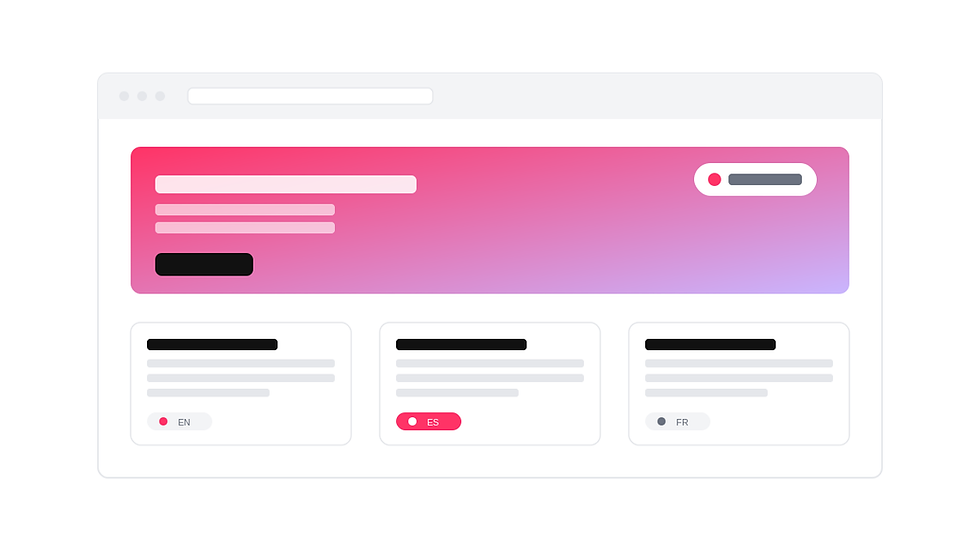
Why a Multilingual Wix Studio website pays off
For agencies and SMBs working with international customers, a multilingual Wix Studio website is often the difference between a visitor bouncing and a visitor converting. People are far more likely to trust, read, and buy from a site that speaks their language fluently rather than relying on a browser's auto-translate overlay.
It also opens up search visibility in markets you currently can't reach. A page written and optimized in Spanish, French, or German competes for searches in that language — something an English-only site simply can't do, no matter how good its content is.
Setting Up Multiple Languages in Wix Studio
Start from your site's language settings and define a primary language first — this is the language your site was originally built in, and it stays as the default for visitors who don't match any of your other language settings.
From there, add each additional language you want to support. Wix Studio creates a parallel version of your site's pages for every language you add, which you can then translate section by section. This keeps your layout, sections, and design consistent across languages — you're translating content, not rebuilding pages.
Once a language is added, a language switcher becomes available as a site element. Place it somewhere visible — typically the header — so visitors can find their preferred language without hunting for it.
Structuring URLs for Multilingual SEO
How your translated pages are addressed matters for search engines. Wix Studio handles this by generating language-specific URL paths for each version of your site, so search engines can index each language as its own set of pages rather than treating translations as duplicate content.
Make sure each translated page also has its own translated title tag, meta description, and URL slug where possible — not just translated body content. A page that ranks well in English with an English slug and meta description won't automatically rank in another language if those elements are left untranslated.
Translating Content Without Losing Your Brand Voice
Machine translation is a reasonable starting point, but it shouldn't be your finish line. Idioms, calls to action, and brand-specific phrasing often translate literally but land awkwardly. Plan for a human review pass — ideally from a native speaker familiar with your industry — especially on high-traffic pages like your homepage, pricing, and contact pages.
Pay close attention to buttons and forms. "Get Started" or "Book a Call" might need a completely different phrasing to carry the same urgency in another language, and form field labels need to match what visitors in that market expect to see.
Multilingual SEO Checklist
Translate page titles and meta descriptions for every language, not just the body content
Use localized URL slugs where the platform supports it
Make the language switcher visible on both desktop and mobile
Translate image alt text so visual search and accessibility tools work in every language
Localize currency, units, dates, and contact details per market
Check that internal links point to the correct language version of each page
Common Mistakes to Avoid
Translating only the homepage and leaving inner pages in the original language
Letting machine-translated placeholder text go live without a review pass
Inconsistent navigation menus between language versions
Forgetting to test the language switcher on mobile, where it's easiest to overlook
Treating translation as a one-time task instead of part of ongoing content updates
Building Multilingual From the Start
It's far easier to add languages to a site that was structured cleanly from day one — consistent sections, clear content blocks, and no hardcoded text buried in design elements. If you're starting a new project or rebuilding an existing one, a well-structured Wix Studio template gives you that foundation, so when it's time to go multilingual, you're translating content rather than untangling layout.


Comments